How Staffing Agencies Can Verify Candidate Identity Online
Receiving a candidate's ID doesn't mean their identity has been verified. Learn how staffing agencies can verify candidate identity online using a more structured process.
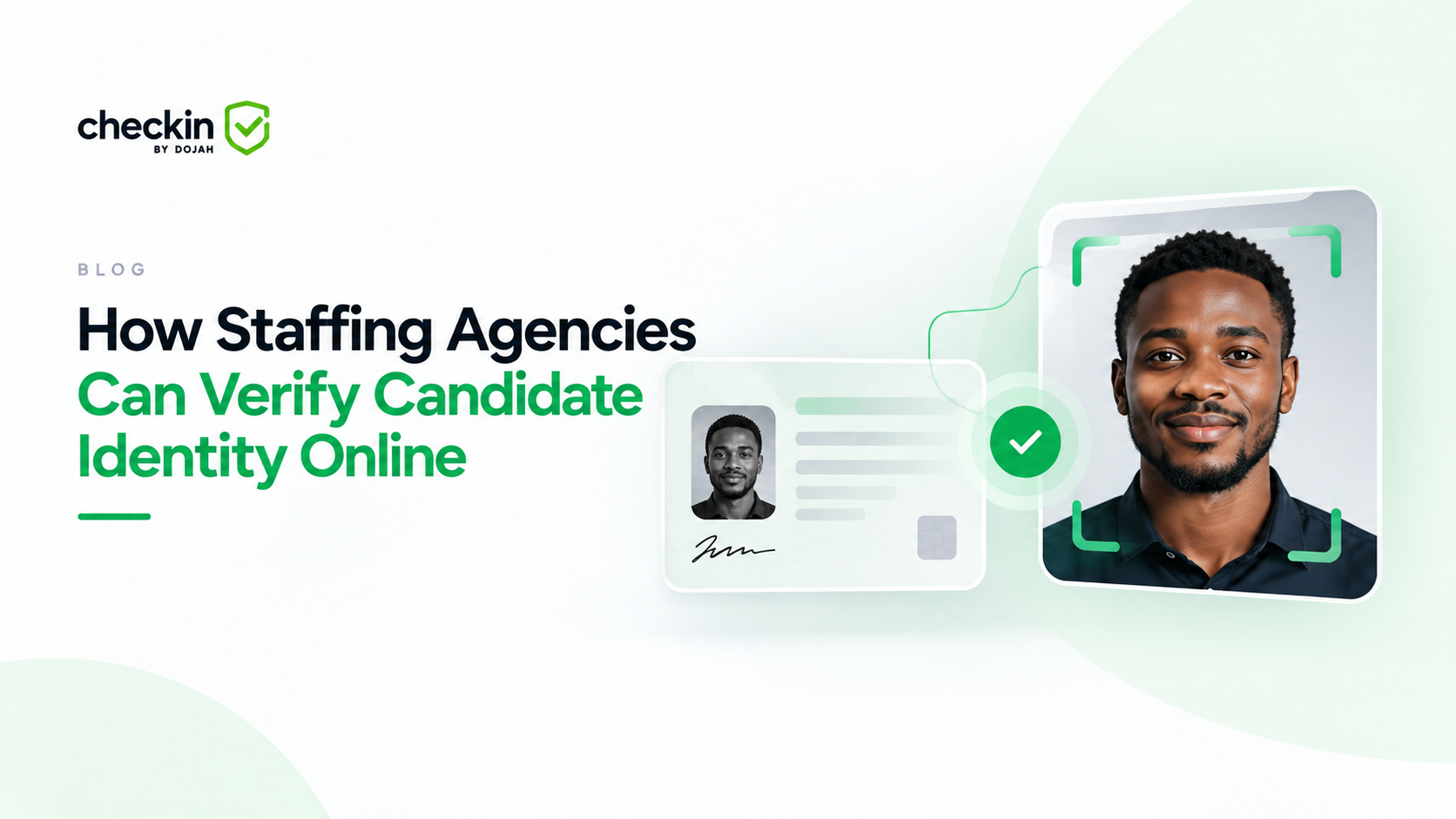
How Staffing Agencies Can Verify Candidate Identity Online
Recruitment has become increasingly remote, but staffing agencies still need to know that the person applying for a role is who they claim to be.
The usual approach is to ask the candidate to send a copy of their ID. They take a picture of a passport, driver's licence or other identity document and send it to the recruiter through WhatsApp or email.
That gives the recruiter a document to look at, but it doesn't necessarily verify the candidate's identity. A document can look convincing and still require further checks. There is also the question of whether the person submitting the document is actually the person it belongs to.
Online identity verification gives staffing agencies a more structured way to answer those questions before a candidate moves forward.
What Does Online Candidate Identity Verification Mean?
Online candidate identity verification is the process of checking a candidate's identity digitally rather than relying only on documents reviewed by a recruiter.
This distinction is important because collecting an identity document and verifying an identity are not the same thing.
If a recruiter receives a photograph of an ID through WhatsApp, they can check the name, date of birth, photograph and other visible information. What they may not be able to determine from a visual review alone is whether the document is authentic or whether the person who submitted it is its rightful owner.
An online verification process can introduce additional checks instead of leaving that decision entirely to the recruiter. The exact checks will depend on the verification provider and what the staffing agency needs to establish.
How to Verify a Candidate's Identity Online
A good identity verification process should be straightforward for the candidate while giving the staffing agency enough information to make an informed decision.
- Collect the Candidate's Identity Information
Start by deciding what information you actually need. This will depend on the role, client requirements and the type of verification being carried out. Asking every candidate for every possible piece of information creates unnecessary friction and means your agency is collecting more personal data than it may need.
The candidate should also know what they are being asked to provide and what the verification is for. Once those requirements are clear, they can be built into a consistent verification process rather than decided separately by each recruiter. - Verify the Identity Document
The next step is checking the identity document itself. This is where an online verification process differs significantly from simply asking someone to send an ID photograph.
A recruiter looking at a document manually can spot obvious problems, but there is a limit to what can be established from visual inspection alone. Identity verification technology can perform additional checks on supported documents to help determine whether the document presented can be relied on.
This reduces the need to make an identity decision based solely on whether an uploaded image looks genuine to the recruiter. - Confirm the Person Matches the Identity
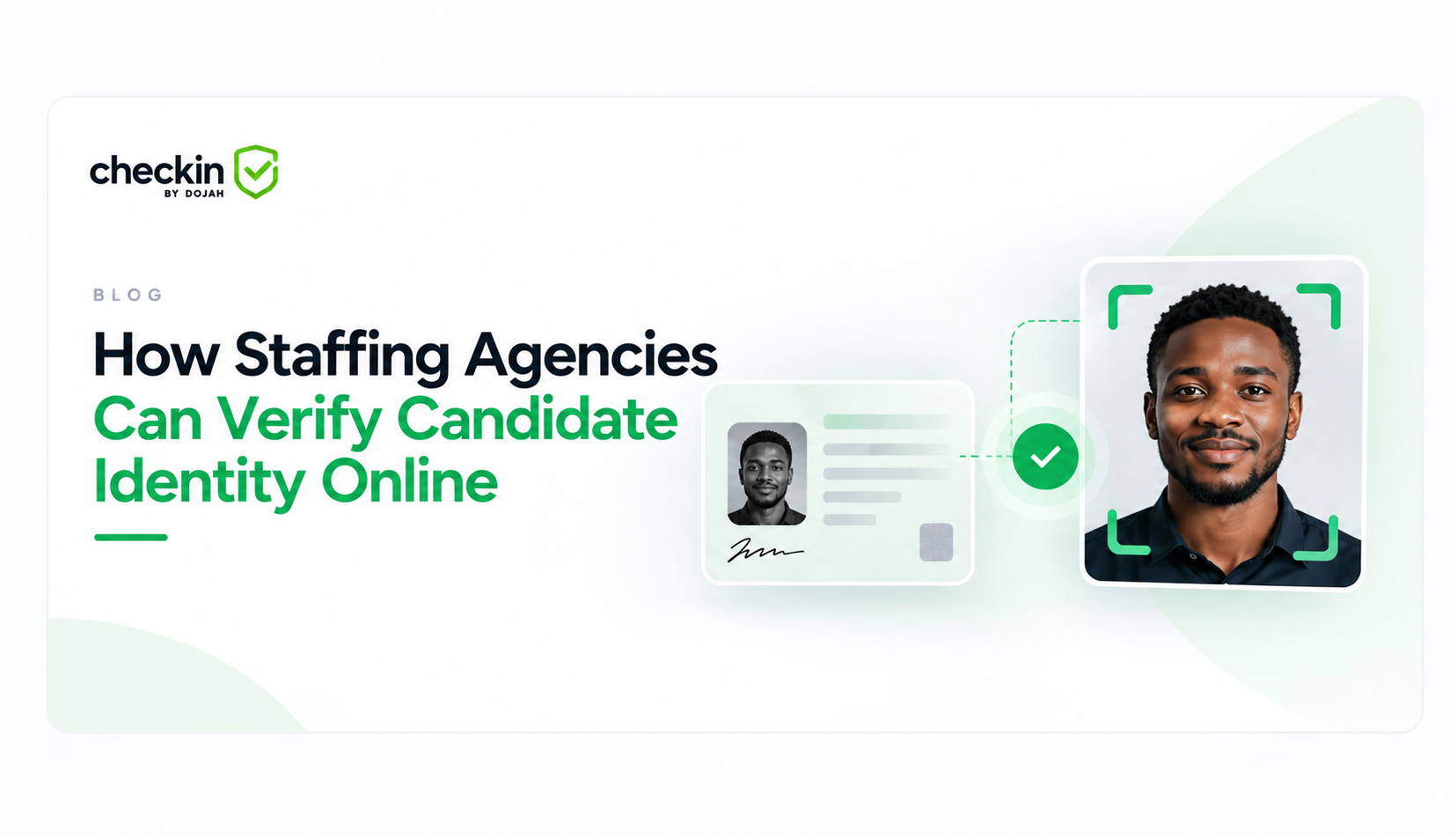
A genuine identity document is only part of the picture. You also need to establish that the person completing the verification is connected to that identity. Depending on the verification method being used, this may involve comparing the person completing the check with the photograph associated with the identity document.
Some verification processes can also include liveness checks designed to establish that a real person is present during the verification rather than relying only on a photograph. This is particularly relevant when recruitment happens remotely and the recruiter never handles the candidate's physical document in person. - Review the Verification Result
Identity verification should not disappear into a process that nobody on the recruitment team understands. Once the candidate has completed the required checks, the appropriate person on your team should be able to review the outcome and identify anything that needs attention.
Not every submission will necessarily produce a straightforward result. A candidate might upload an unclear image, leave a step incomplete or need to try part of the process again.
The aim isn't to remove people from the process entirely. It is to give them better information about where their attention is actually required.
Why Email and WhatsApp Aren't Enough for Identity Verification
WhatsApp and email are useful recruitment tools. Recruiters already use them to answer questions, arrange interviews, provide updates and communicate with candidates throughout the hiring process. The problem comes when those communication tools are also expected to perform the job of an identity verification system.
A candidate sending an ID through WhatsApp proves that the recruiter has received an image of a document. WhatsApp itself doesn't authenticate that document or establish that it belongs to the person who sent it.
Email has the same limitation. There are practical issues too. When documents arrive through individual conversations, recruiters may need to download them, record the outcome somewhere else and keep track of who has and hasn't responded.
The better approach is not necessarily to stop communicating with candidates through the channels they already use. It is to separate the conversation from the verification. Your recruiter can still message a candidate on WhatsApp. The identity check can happen through a verification process designed for that purpose.
What Happens When a Candidate Doesn't Pass Verification?
This is something staffing agencies should decide before introducing any identity verification process. A failed or inconclusive check shouldn't automatically be treated as proof that a candidate has done something wrong.
There can be ordinary reasons why a verification doesn't complete successfully. The document image may be unclear, information may have been entered incorrectly or the candidate may not have completed every required step.
Your process should therefore distinguish between a candidate who needs another attempt, a result that requires further review and a case where the verification genuinely cannot be completed.
Recruiters should also know what happens next rather than improvising a different response each time.
This becomes especially important when several people on the recruitment team are responsible for processing candidates. A defined exception process helps keep decisions consistent.
Verify Candidate Identity Online With CheckIn
CheckIn gives staffing agencies a no-code way to build verification flows and send them to candidates through a simple link.
Instead of asking candidates to send identity documents directly into recruiter conversations, your agency can create a verification flow containing the checks required for that particular process.
The link can then be shared through the channels your recruiters already use, including WhatsApp, email or SMS. The candidate follows the link and completes the required verification rather than sending their identity document back into the conversation.
This means you don't have to change the way recruiters communicate with candidates just to introduce a more structured approach to identity verification. It also gives smaller staffing teams a practical way to introduce online verification without waiting until manual document collection becomes difficult to manage.
If your current identity check ends when a candidate sends a photograph of their ID, there is a useful question to ask: Have we received their document, or have we actually verified their identity?
Create your free CheckIn account and build your first verification flow
Filed under